AI shopping assistant for Shopify
ShopAssist runs in your Shopify store as a theme app extension and answers shoppers' questions from your own catalogue: products, variants, prices, availability and the metafields you choose. It recommends and compares products and can add the right variant to the cart without the shopper leaving the conversation. Our team sets everything up, so nobody has to touch your theme code.
How setup works
- 1
We create your ShopAssist app
ShopAssist or your partner agency sets up a dedicated ShopAssist app for your store and sends you the install link.
- 2
You approve read-only access
Install the app from the link and confirm its permissions. They are read-only: ShopAssist can read your catalogue and orders but cannot change them.
- 3
We prepare the assistant
We load your catalogue, choose the metafields the assistant may read and set up the greeting and suggested questions. You can try it all in test mode in your dashboard first.
- 4
Switch it on in the theme editor
The chat is an app embed you enable in the Shopify theme editor. As soon as we activate your store, shoppers see it.
What the assistant does in your store
Answers from your catalogue
Descriptions, product type, vendor, tags, collections and the metafields you enable give the assistant the detail shoppers ask about, such as materials, ingredients or sizing.
Variants and add to cart
The assistant knows each variant's options, price and availability, and can put the chosen variant into the Shopify cart straight from the chat.
Ask ShopAssist™ on product pages
A theme block shows question pills next to the product. A tap opens the answer in the chat. You review questions and answers in the dashboard before they go live.
Compare button and inline chat
Optional blocks add a Compare button to the product page and an embedded chat to any section, styled directly in the theme editor.
Sales attribution and order questions
ShopAssist links orders to the conversations that preceded them. Where enabled, shoppers can also ask about the status of their order.
Which store data ShopAssist reads
ShopAssist reads your products through Shopify's Storefront API: titles, descriptions, variants with their options, prices and compare-at prices, availability, collections, product type, vendor, tags and the metafields you enable (a metafield needs Storefront access in Shopify to be readable). If you sell in several markets or languages, the catalogue is read separately for each country and language. Orders are read through the Admin API with read-only permissions, for sales reporting. ShopAssist keeps a cached copy of the catalogue and refreshes it regularly, and after bulk changes you can start a new sync from the dashboard. Once you approve them, your Shopify blog articles can also serve as sources the assistant links to.
Customer stories
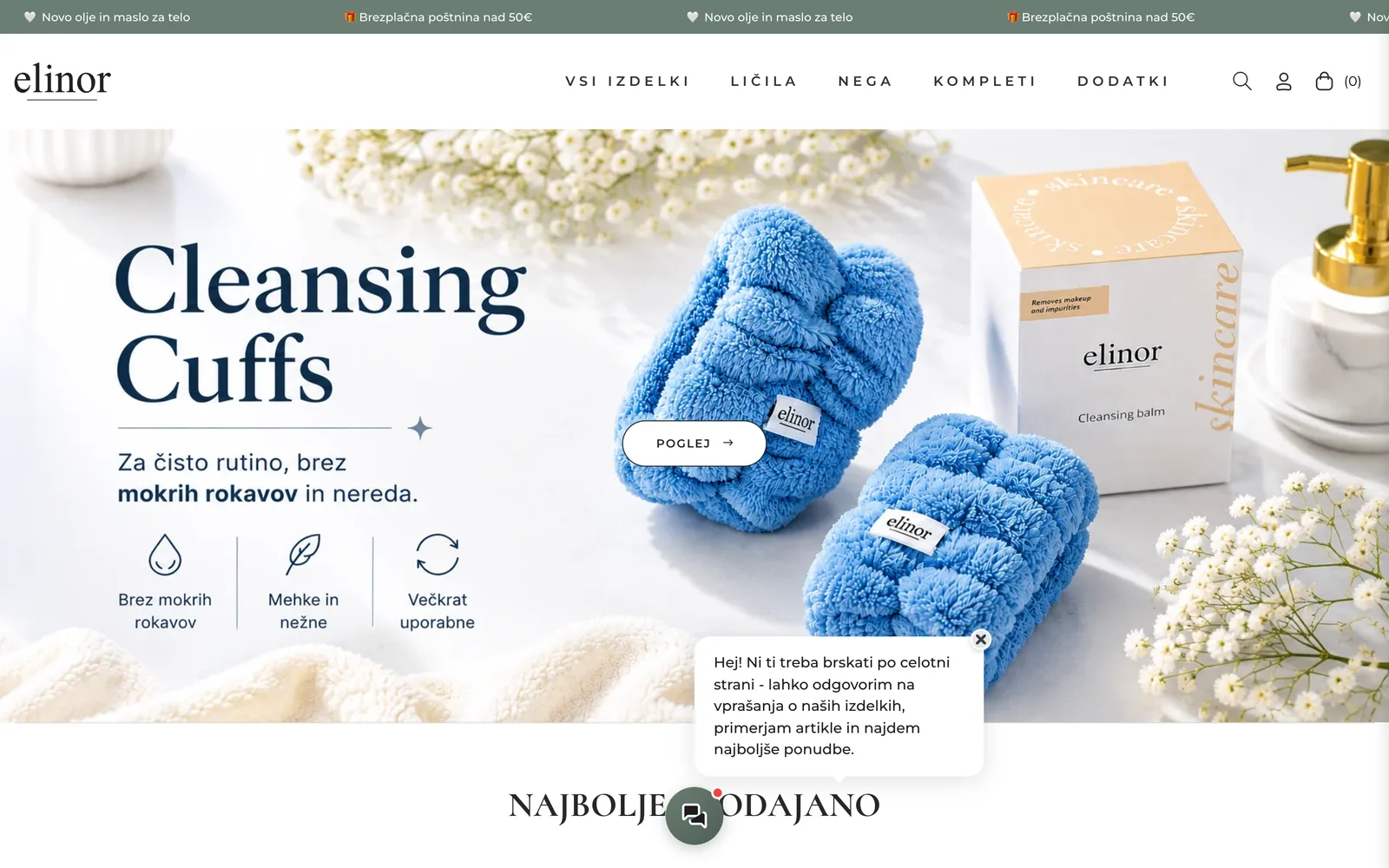

How Elinor earns over 12% of its webshop revenue with ShopAssist skincare advice
of webshop revenue came from ShopAssist-assisted orders in the first three months
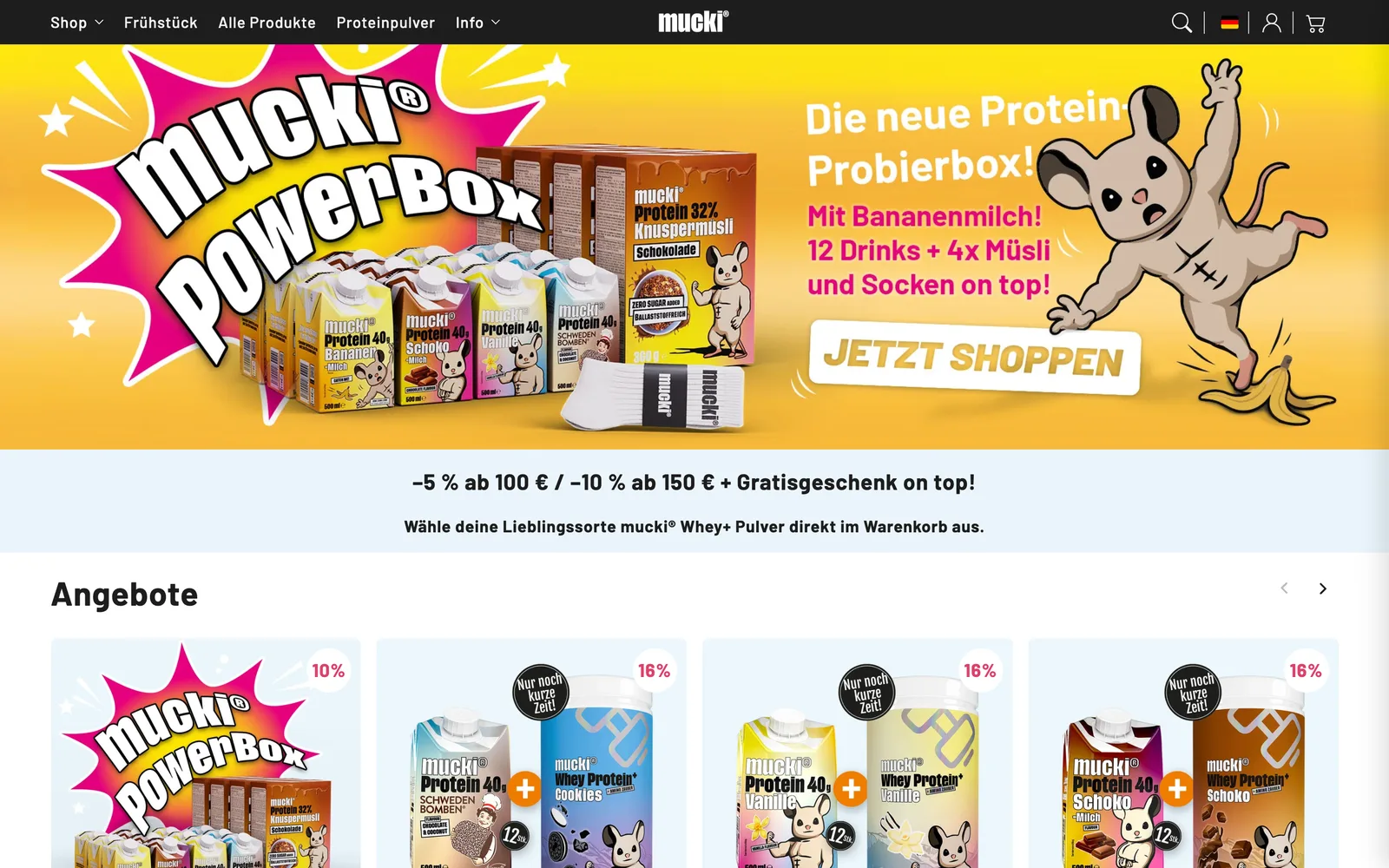

How mucki answers label questions online and turns 8.9% of conversations into orders
of ShopAssist conversations ended in an order between August and October 2026
Frequently asked questions
- Does ShopAssist work with my Shopify theme?
- ShopAssist is a theme app extension, so it never edits your theme files. The chat is an app embed that sits on top of your layout. Ask ShopAssist™, Compare and the inline chat are blocks you place in the theme editor wherever your theme supports app blocks. Colours, position and icon are set in the block settings and in the dashboard.
- Can I install ShopAssist myself from the Shopify App Store?
- No. Every merchant gets a dedicated ShopAssist app, installed through a link from ShopAssist or an authorised partner. That way the people who install the assistant are the same people who tune it to your catalogue.
- Which languages does the assistant speak?
- The assistant replies in the language the shopper writes in. The widget interface is translated into 16 languages, including English, German, Polish, Slovenian and Croatian, and can follow your shop's language automatically. In multilingual stores the catalogue is read in every language you sell in.
- How is customer data handled?
- ShopAssist only receives read-only Shopify permissions. For shopper conversations it acts as a data processor and your store remains the controller; the details are in our Terms and DPA. The app also responds to Shopify's mandatory privacy webhooks for customer data requests and deletion.
Turn Every Visitor Into a Confident Buyer
Join other merchants who've already transformed their customer experience with ShopAssist. See how our AI sales assistant can boost your conversions in just 15 minutes call.
14-day free trial. See results on your shop risk-free.